Learn Korean flag Korean Naturally

Kimchi Reader puts a popup dictionary on top of the Korean content you already enjoy, and keeps track of every word you learn along the way.

Start your free 7-day trial
No credit card required
Trusted by 1,000+ Korean learners
Discord
Works on
YouTubeNetflixVikiEbooksPDFsWeb articles
Try it

Tap any word

Underlines show what you know: unknown in red, seen in orange. Known words have no underline. Change a word's status and the sentence updates.

농부는 아직 결혼하지 않고 혼자 살았다.
Tap a word above to look it up
Failed to load the context :( This is a bug
How it works

You learn Korean. It learns you.

Kimchi Reader is a tool, not a course. You learn by immersing in real Korean. As you go, you mark the words you know. From those, Kimchi finds your next content at your level. Then you immerse again.
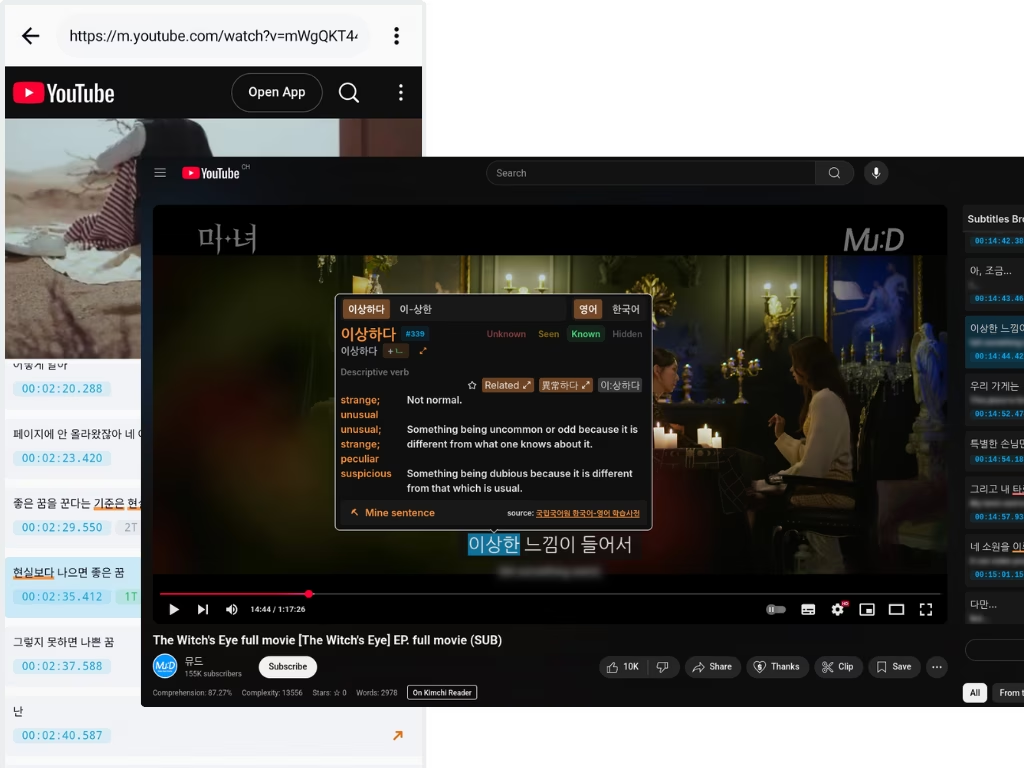
Korean video with clickable subtitles
Step 1 · Immerse
Immerse in what you like
Real Korean, made for Koreans. Videos get the popup dictionary on their subtitles, and ebooks, PDFs, articles and lyrics open in the reader. Same dictionary, same words, everywhere.
Your toolkit

Learn the way that works for you

Mine sentences into flashcards and bend the whole app to fit how you study.
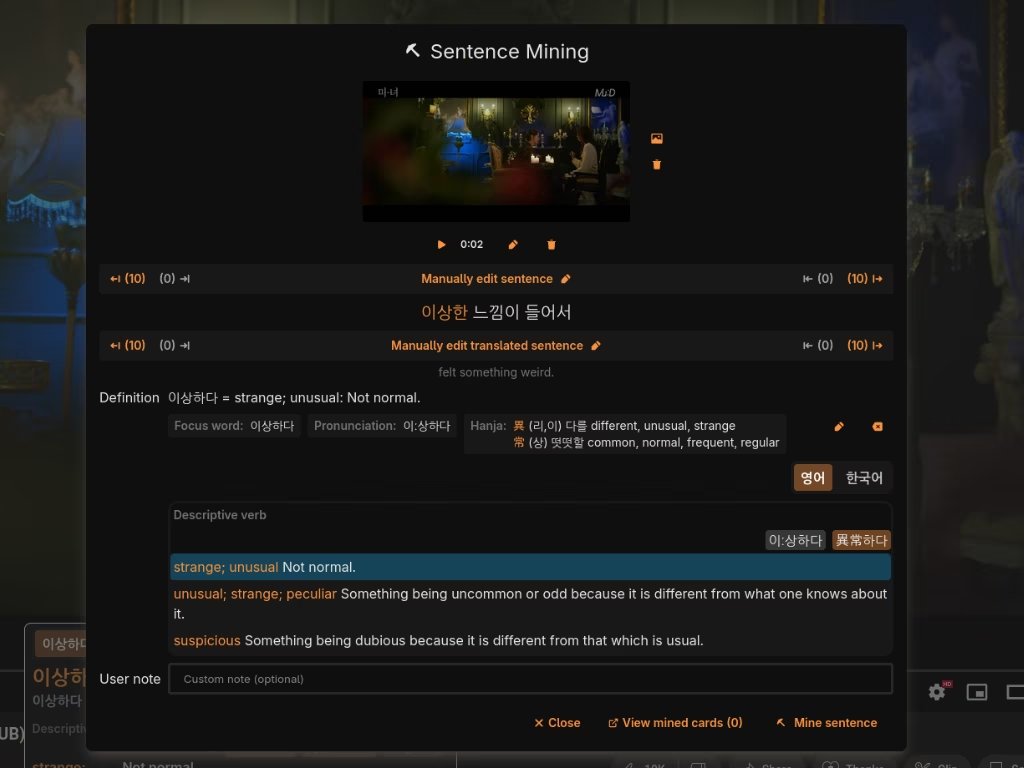
Sentence mining dialog
Create high quality flashcards, instantly
Found a sentence you want to remember? Mine it. With one click, capture the sentence, its definition, audio, and context. Export it all to Anki to create high-quality study cards effortlessly and never forget a word.
See in the Manual
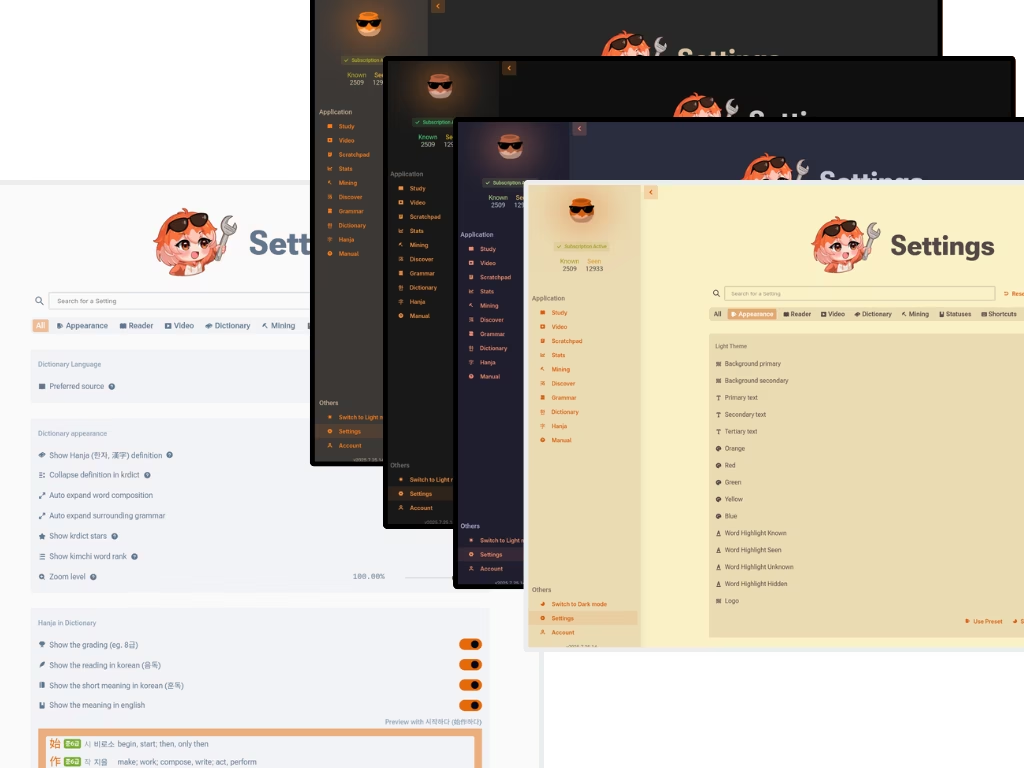
Settings with search
Customize everything
Your learning tool should adapt to you, not the other way around. Change the theme, fine-tune the dictionary's behavior, and control every aspect of your reading experience. The settings are so deep, they have their own search bar.
Check it now
Is it for you?

Built for learners ready for real content

A perfect fit if…
You're ready for real-world content.
You've already mastered the Hangul alphabet along with some basic grammar & vocabulary and want to move from textbooks to authentic media.
You're committed to learning through immersion.
You're ready to start with materials for learners and build your way up to native-level media.
You need a powerful toolset, not a teacher.
Kimchi Reader speeds up your learning with context and reference.
Probably not for you if…
You can't read Hangul yet.
Learn the alphabet first, then come back.
You want a structured course.
Kimchi Reader doesn't teach grammar from scratch. It explains the grammar in whatever you're reading.

It is just that great

Learners who switched don't go back
Maxime, the developer of Kimchi Reader
Hey, Maxime here 👋
@Alaanor alaanor

For the past 36 months, I've been working on Kimchi Reader, a tool designed to help you learn Korean through immersion.

As a Korean learner myself, I wanted a tool that actually works, so I built one! Admittedly, I ended up spending more time coding than studying, but I’ll get back to it someday. 😅

Honestly, I’m not great at marketing, but I'm proud of what I’ve created. I genuinely think it’s a fantastic tool, and people who’ve tried it love it. You should give it a try too!
Yup that’s me, cool guy right there!
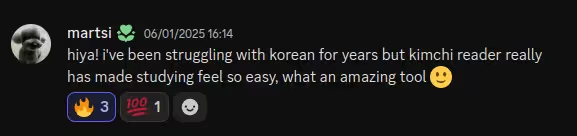
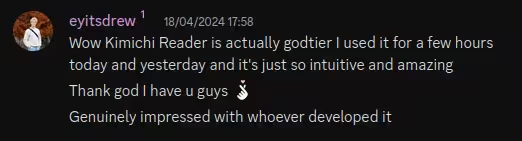
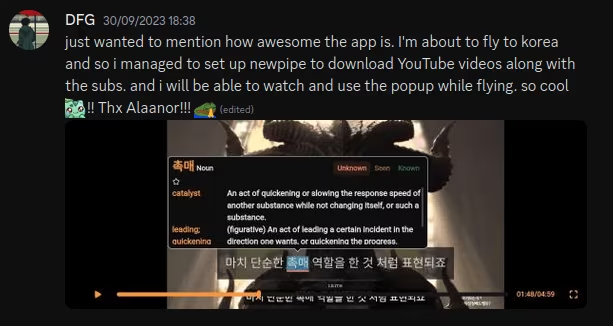
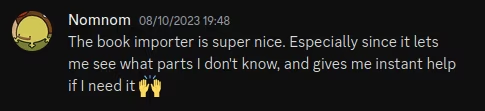
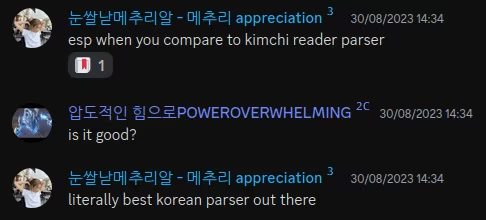
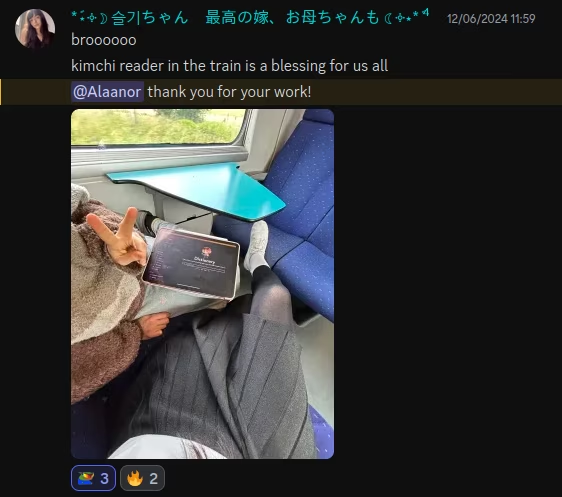
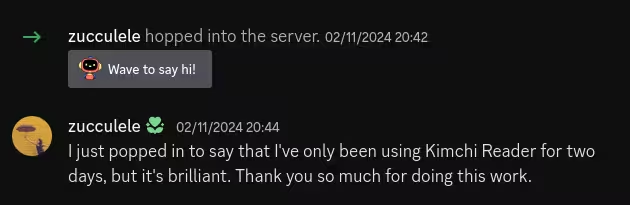
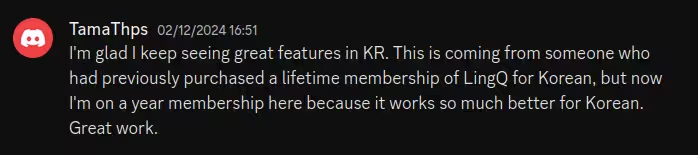
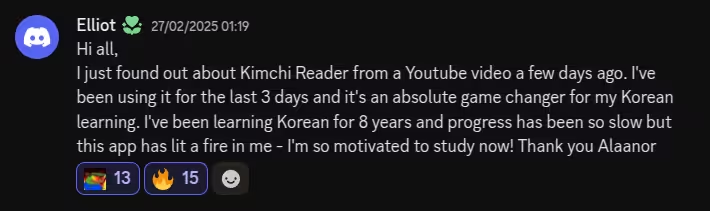
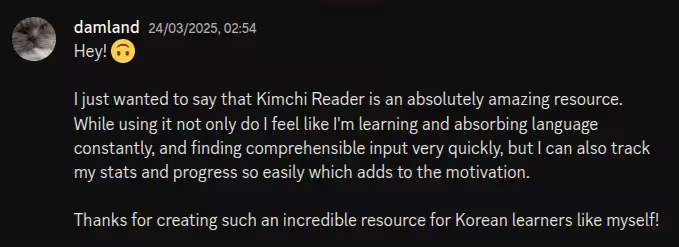
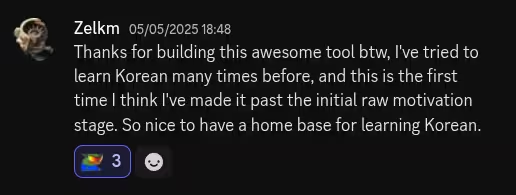
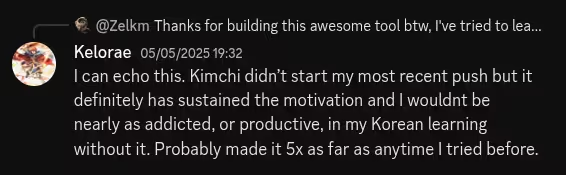
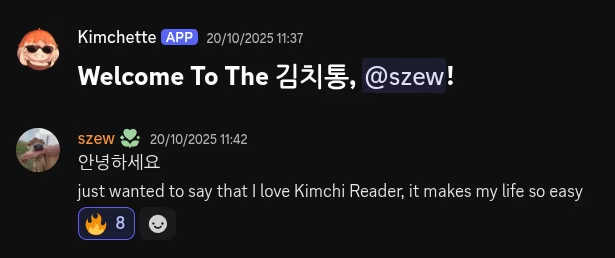
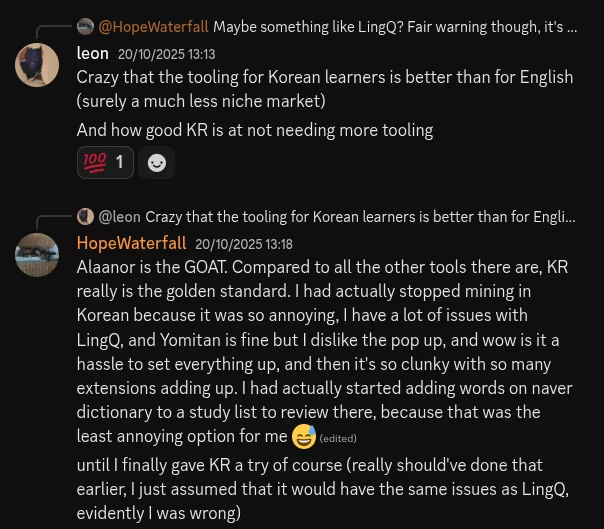
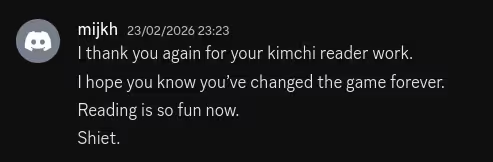
Review from kaizenReview from birdieboomReview from collinatusReview from wharReview from martsiReview from bayberryReview from eyitsdrewReview from aisuReview from gussyReview from dfgReview from nomnomReview from dsnqReview from truekoreangigachadReview from dekududeReview from michaReview from joebleReview from seulgiismReview from mathieuReview from zucculeleReview from tamathpsReview from moonReview from elliotReview from damlandReview from zelkmReview from keloraeReview from szewReview from leon-waterfallReview from mijkhReview from noback
Kimchi Reader mascot giving a thumbs up

Ready to read Korean for real?

Open something you want to understand and click the first word you don't know.

Start your free 7-day trial


No credit card required · See pricing
On desktop
Every feature
1
The webapp
Your library, reader, dictionary, vocabulary stats, recommendations and flashcards. Import ebooks, PDFs, articles and lyrics here.
Open the webapp
2
The browser extension
Adds the same popup to subtitles on YouTube, Netflix and Viki, synced with your webapp vocabulary.
On mobile
Everything in one app
The whole toolset in a single app for Android and iOS.
Get Kimchi Reader on Google Play Download Kimchi Reader on the App Store
Netflix and Viki subtitles need the browser extension on a computer. Syncing cards to Anki needs the Anki add-on on a computer.